September 9, 2026
Four Deadlines Are Closing In on Your Legacy Windows and Mobile Apps
By Rusty Davis
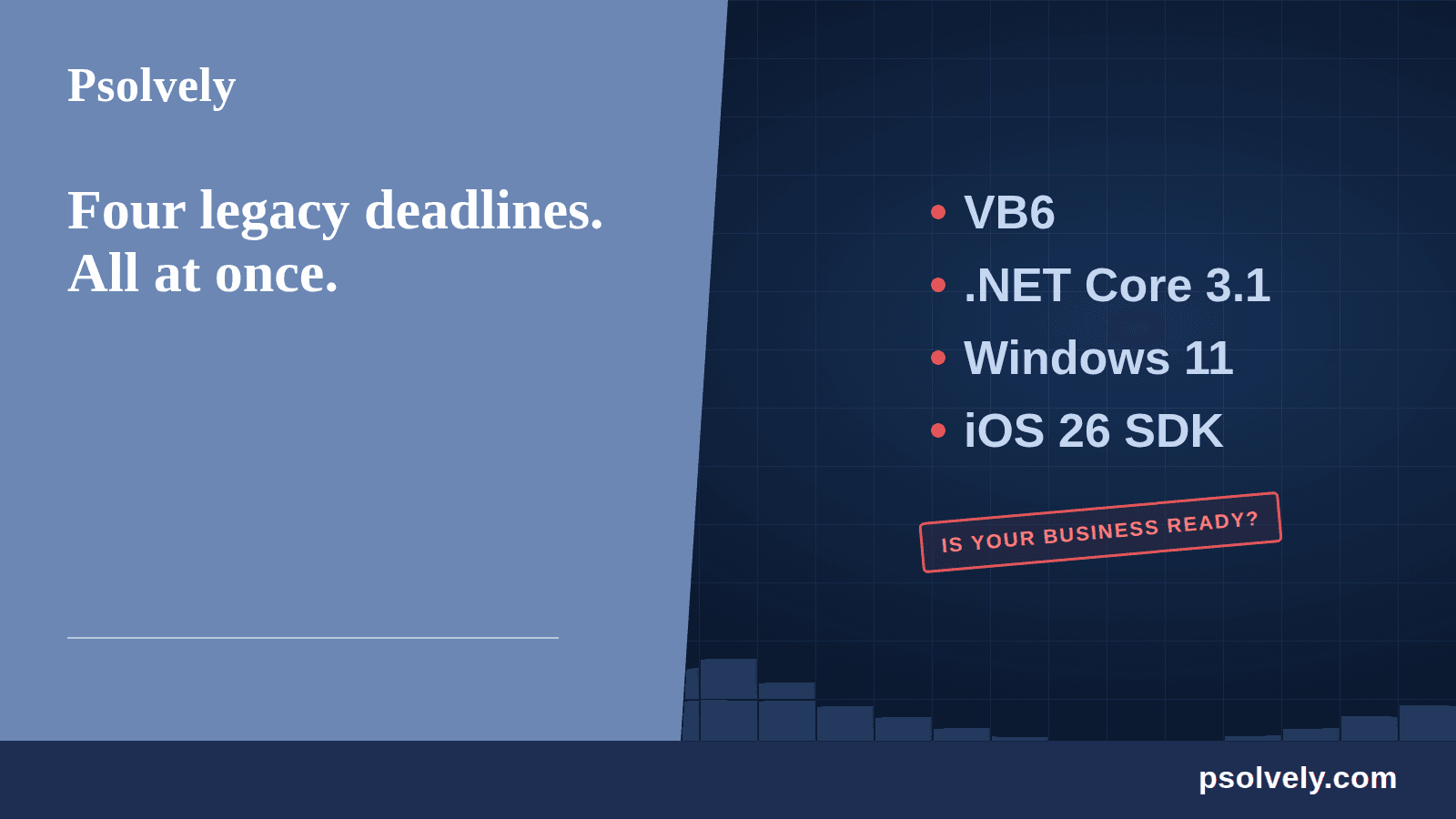
If your business runs on software built years ago, four separate clocks are running out at the same time: Visual Basic 6, .NET Core 3.1, the Windows 11 hardware wall, and the iOS 26 SDK requirement. None of them are emergencies today, which is exactly the trap. Here is what changed, why it matters, and the incremental path out that is not a full rewrite.
Four Deadlines Are Closing In on Your Legacy Windows and Mobile Apps
If your business runs on software built years ago, four separate clocks are running out at the same time. None of them made headlines inside your company. All of them raise the cost and the risk of staying where you are. Here is what changed, why it matters, and what to do about it that is not a full rewrite.
1. Visual Basic 6: a tool from another era, still running your business
Plenty of companies still have a critical system built in Visual Basic 6. It works, so it never makes the priority list. That is exactly how it becomes a crisis.
Microsoft stopped supporting the VB6 development environment back in 2008. The runtime still ships with Windows, which is the whole reason the app keeps limping along and the problem stays invisible. But you cannot get support for the tools, and you cannot hire for VB6 anymore. The engineers who can safely change it are retiring, and the pool gets smaller and more expensive every year.
The real risk here is people, not code. You are one resignation away from nobody being able to touch the system your business depends on.
2. .NET Core 3.1 and earlier: unsupported since 2022
If any of your applications run on .NET Core 3.1 or earlier, they have gone almost three years with zero security patches. Microsoft ended support for .NET Core 3.1 on December 13, 2022. .NET 5 is finished too. Only the long-term-support releases get extended maintenance.
It still runs. That is not the same as safe. An unpatched runtime is the kind of finding that stalls an enterprise deal in a security review or shows up in a customer audit. And every dependency you add sits on a foundation Microsoft walked away from years ago.
The good news is that moving off an old .NET Core version is one of the cleaner modernizations. It is a well-worn path, and it does not require throwing the application away.
3. Windows 11 and the hardware wall
Windows 10 support ended on October 14, 2025. If your line-of-business app still assumes a Windows 10 world, that clock has already run out.
Moving to Windows 11 is not a simple settings change. It requires TPM 2.0, which Microsoft has called a non-negotiable requirement, and a lot of older machines do not qualify. It is not only hardware, either. Old apps lean on components and assumptions that do not survive the jump, so "just upgrade the OS" quietly becomes a project nobody scoped or budgeted.
Running an unsupported operating system to keep one critical app alive is a security and compliance risk you are carrying on purpose, whether the board knows it or not.
4. iOS apps and the Xcode 26 requirement
If you own an iOS app and nobody has kept the build toolchain current, you may already be unable to ship updates. As of April 28, 2026, the Apple App Store requires apps to be built with the iOS 26 SDK using Xcode 26.
That means no updates until the app is rebuilt on the current toolchain. Not a new feature. Not a bug fix. Not a security patch. Nothing gets through.
This is the deadline that bites quietly, because the version already in the store keeps working. It feels fine right up until the day you need to push a fix and discover you cannot.
The common thread: none of these are emergencies, until they are
Every one of these systems still works today. That is the trap. The cost stays hidden until a security review, a failed hire, a dead server, or a rejected app update forces the issue on someone else's timeline. By then you are making architecture decisions under pressure, which is the worst possible way to make them.
What to do that is not a $500k rewrite
Full rewrites fail more often than they succeed, and they ask you to bet the business on a big-bang cutover. Inaction has the costs above. The middle path is incremental modernization.
You start by mapping where the risk actually lives. Not every part of a legacy system is equally dangerous. Some pieces are stable and low priority. Others are unsupported, poorly understood, and one bad day away from a real problem. Those are where you start. You modernize the highest-risk pieces first, confirm the behavior is preserved, and keep the system running the whole time. Each phase reduces risk and delivers something you can measure.
That approach turns a terrifying, all-or-nothing rewrite into a series of bounded, fundable steps.
Where to start
If one of these four deadlines describes your situation, or all four do, the first move is a clear-eyed look at what you are running and where the real risk is. That is exactly the work we do at Psolvely: legacy modernization done in phases, without stopping your business.
Start the conversation at psolvely.com.
Want to work together?
Book a 45-minute strategy session and leave with a concrete plan.
Book a Strategy Session
Get the FREE Legacy Modernization Playbook
Ask me anything about modernizing your system and I'll personally reply — your playbook lands in your inbox the moment you hit send.